Ultimate Level Art Tool (ULAT, Unreal Engine, Plugin)
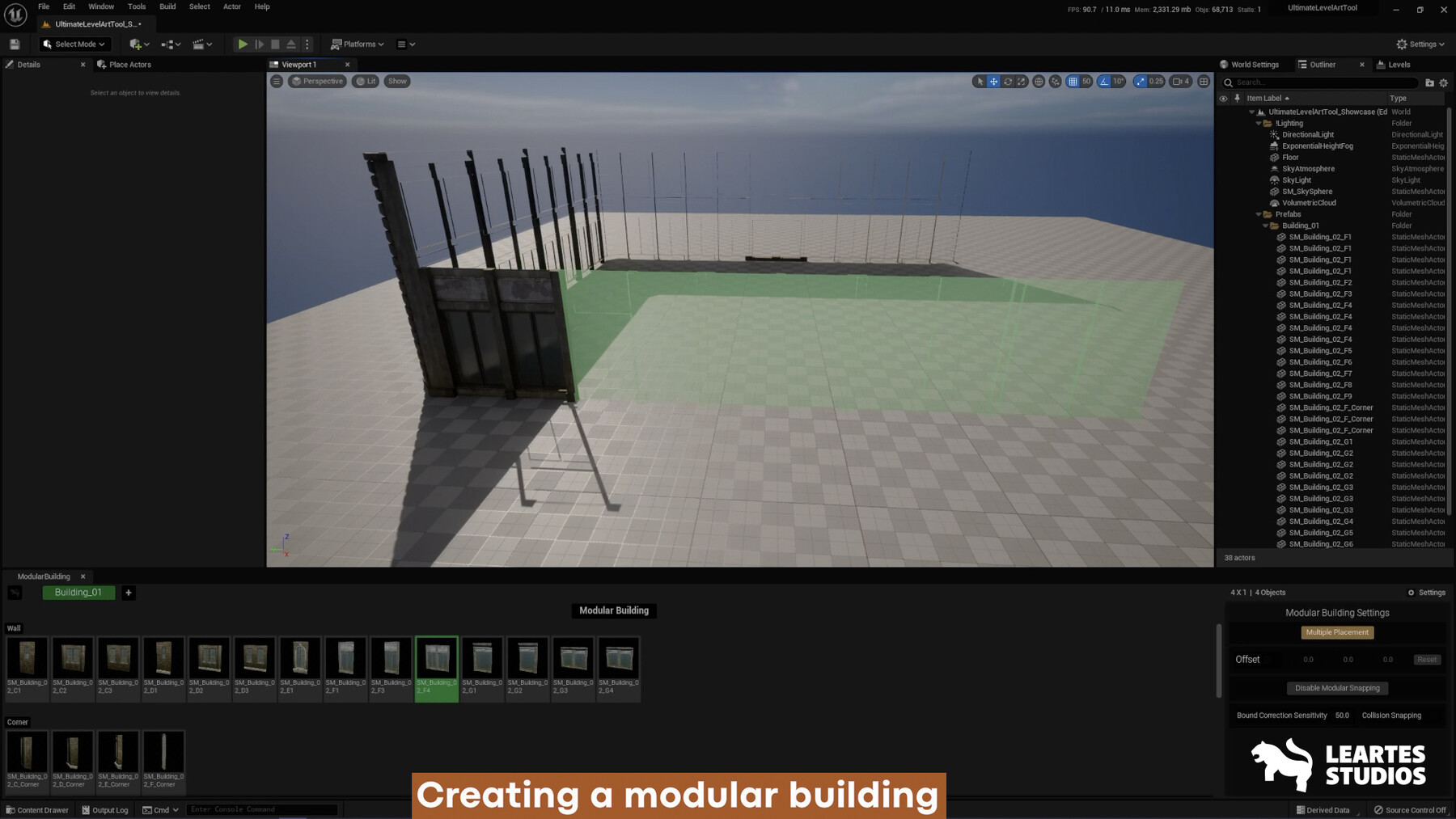
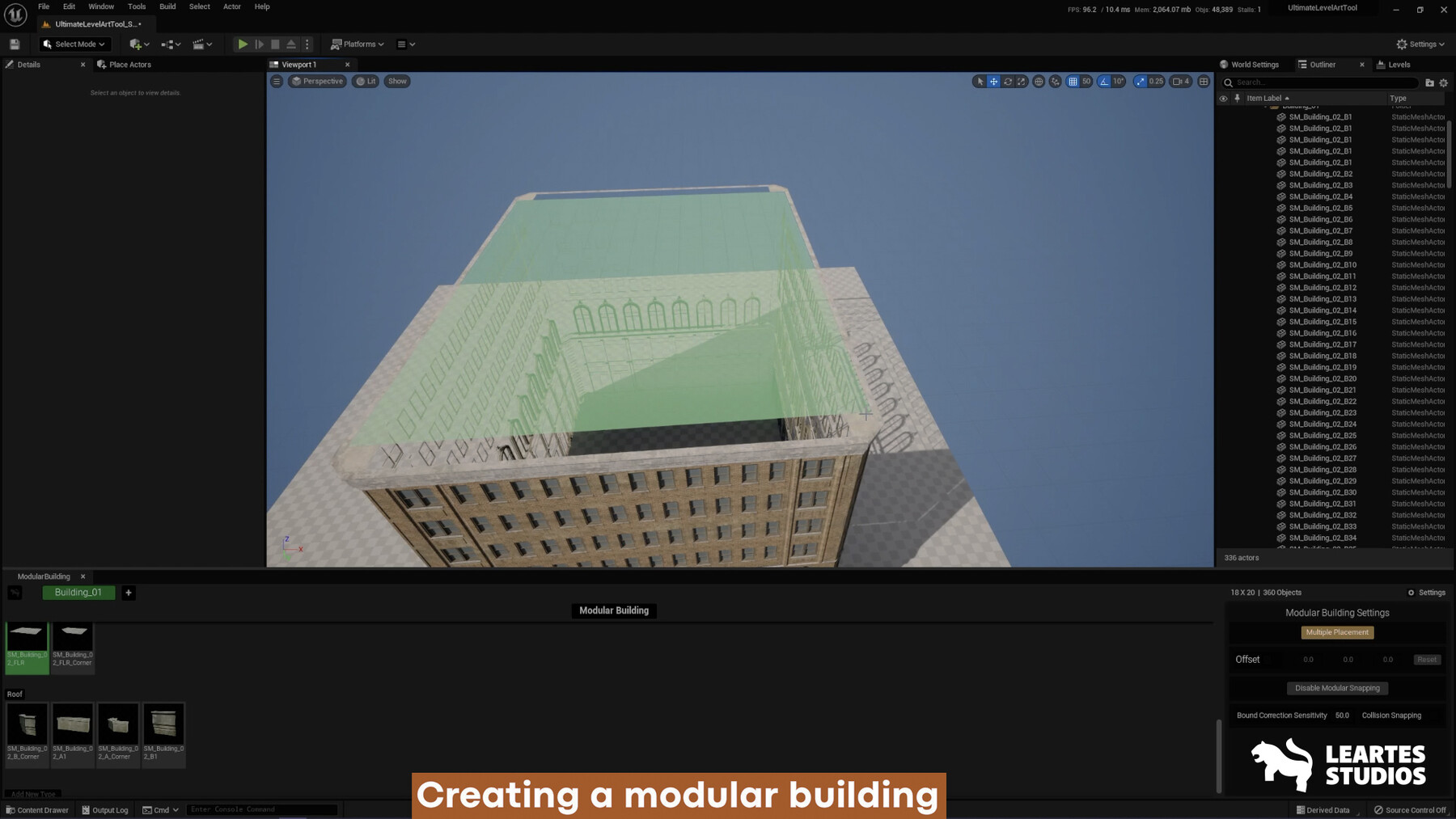
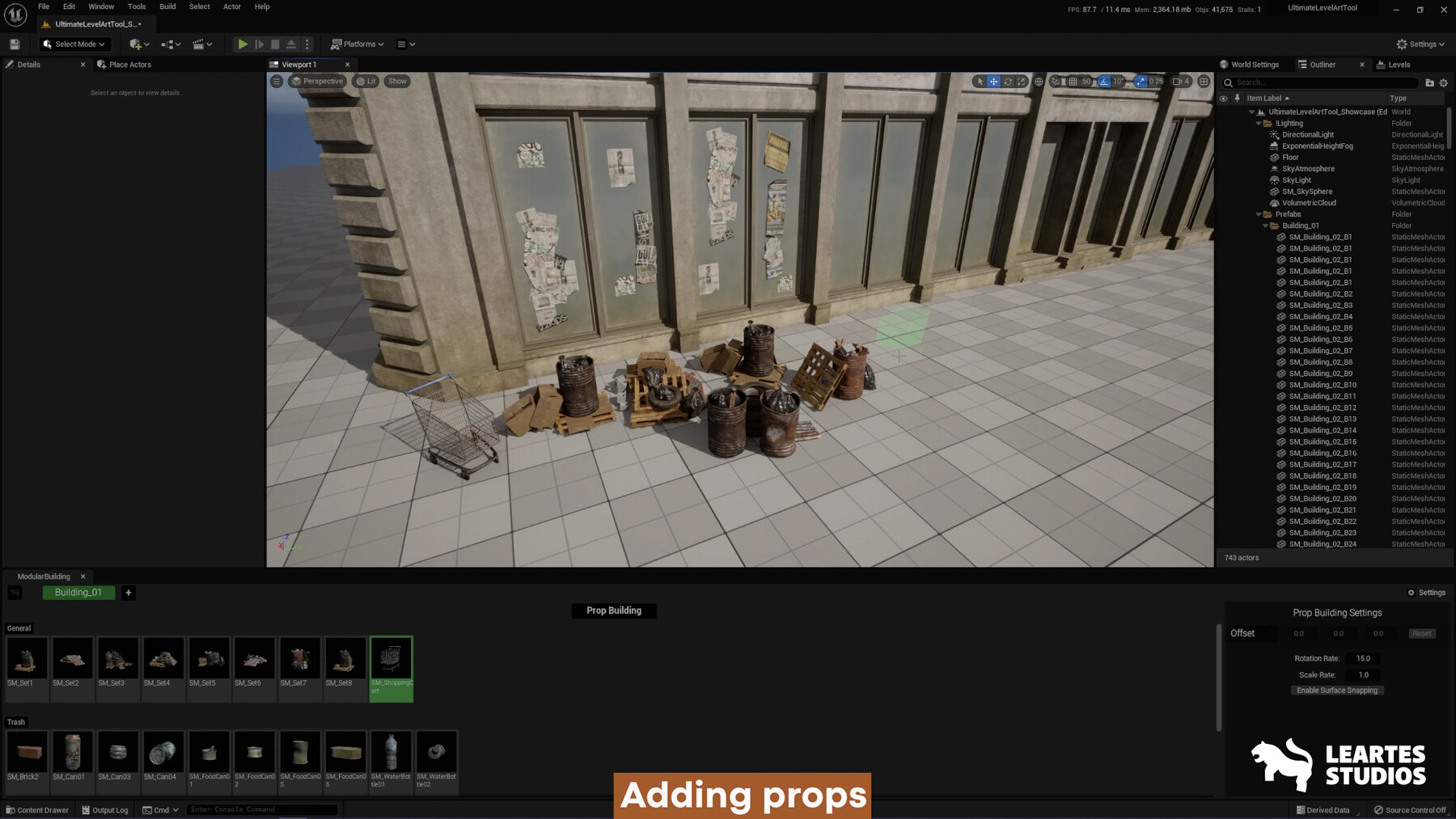
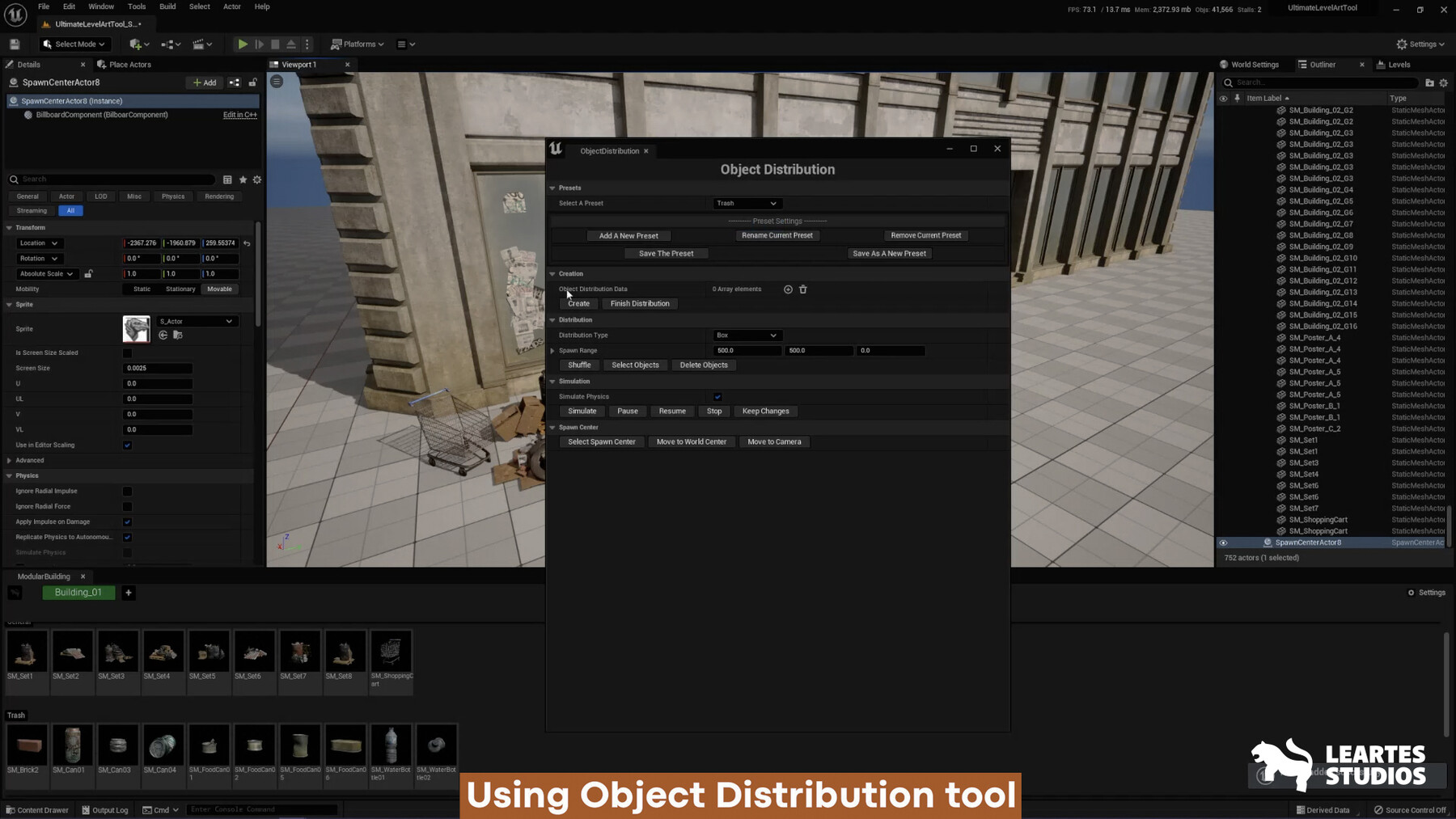
Welcome to the innovative world of Leartes Studios, where passion for gaming meets Unreal Engine’s automation possibilities. As a Leading Art Outsource company, Leartes Studios is dedicated to pushing the boundaries.
As an art outsourcing company, our primary focus has been on delivering exceptional visual assets, animations, and art production services to game developers. However, recognizing the evolving needs of the industry and the importance of efficient workflows, we have embarked on the development of our groundbreaking code plugin tool.
Under the hood, the Ultimate Level Art Tool consists of an impressive number of features, We also planning to develop the tool further expanding its functionality and versatility.
Showcase Video
Showcase V1.20 Video Link
Demonstration Video
The Ultimate Level Art Tool has a lot of features :
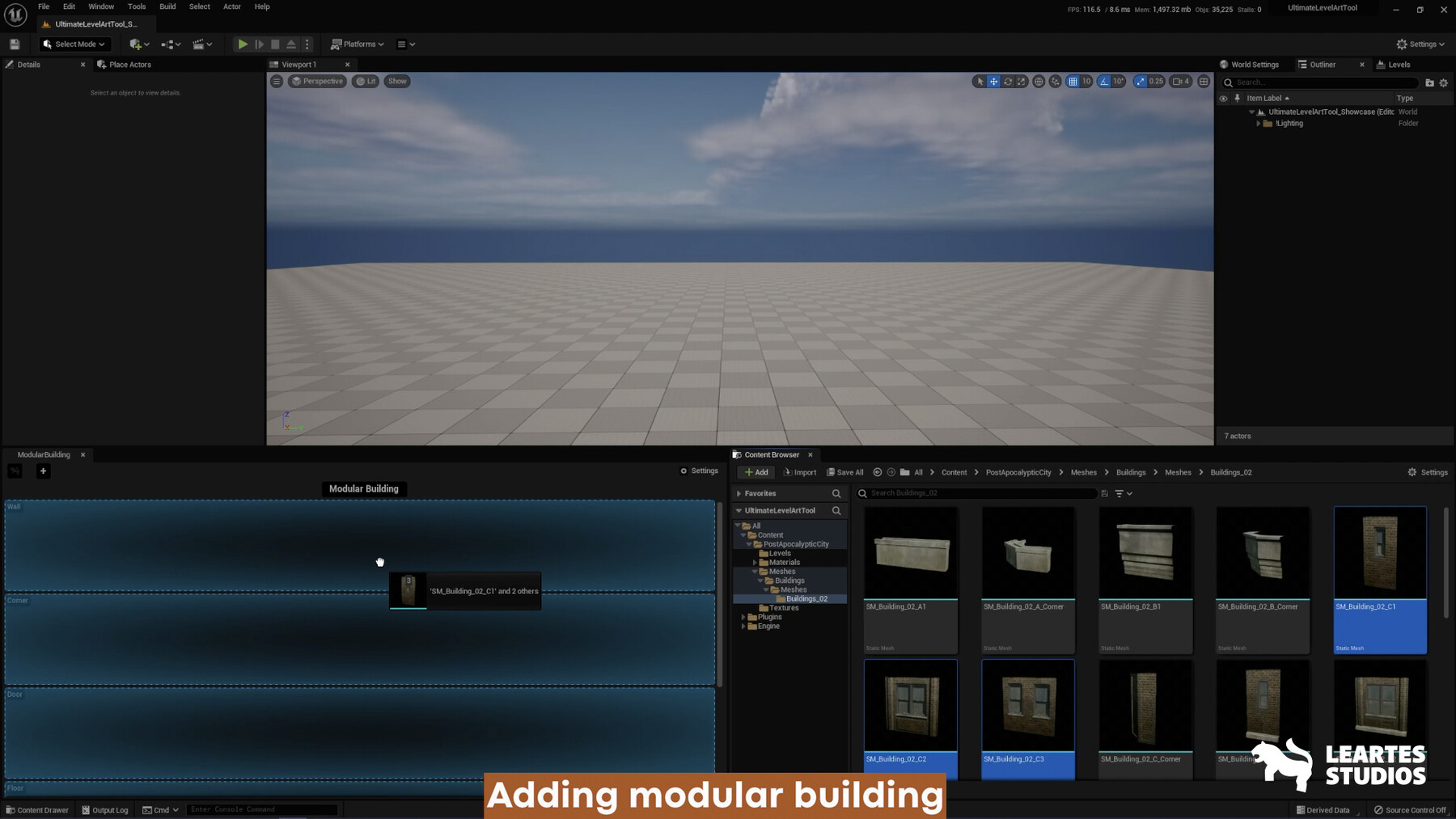
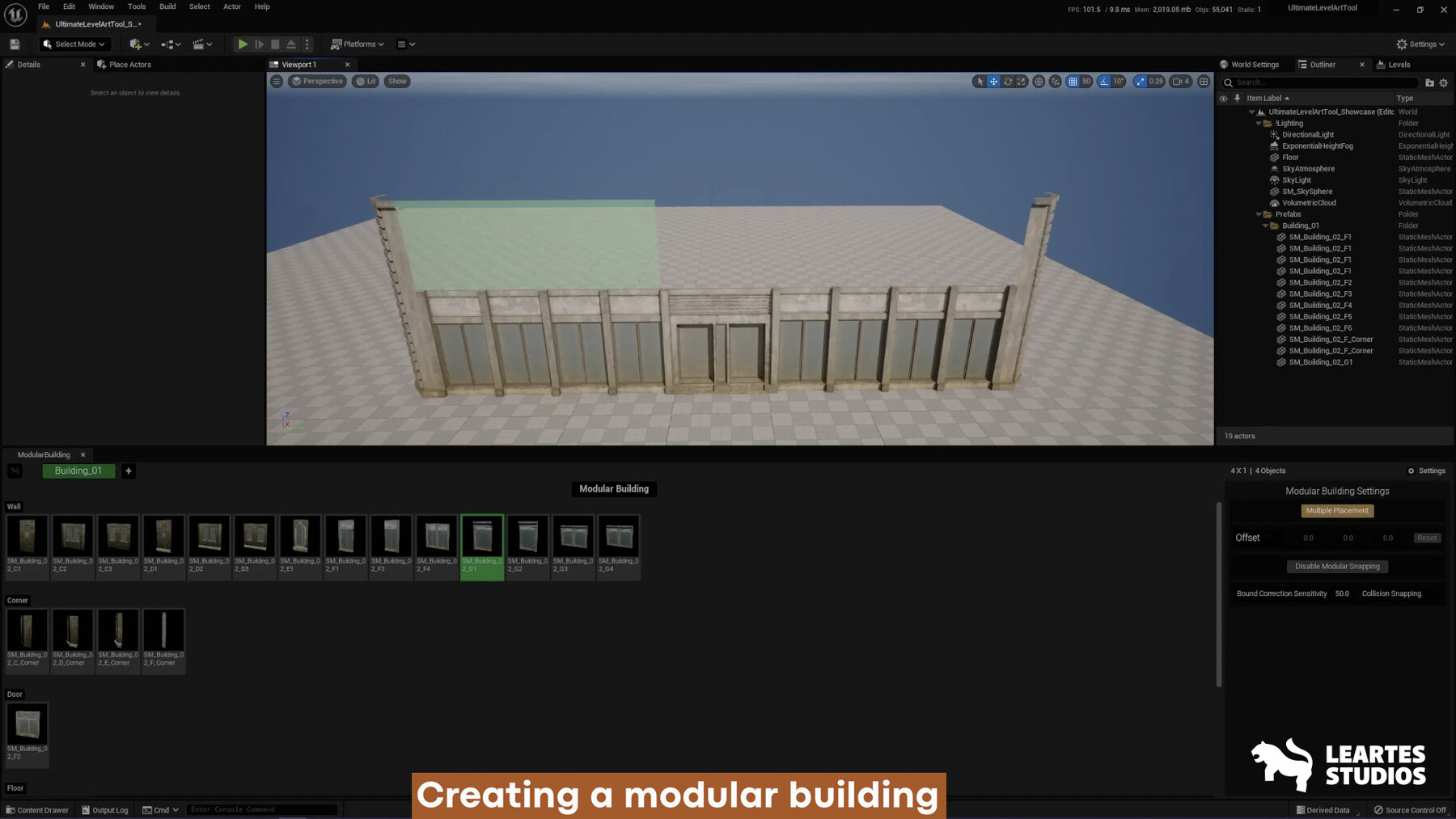
Create a fully Modular Building with one tool
Create your custom mesh palette
Adjustable mesh snapping Modes
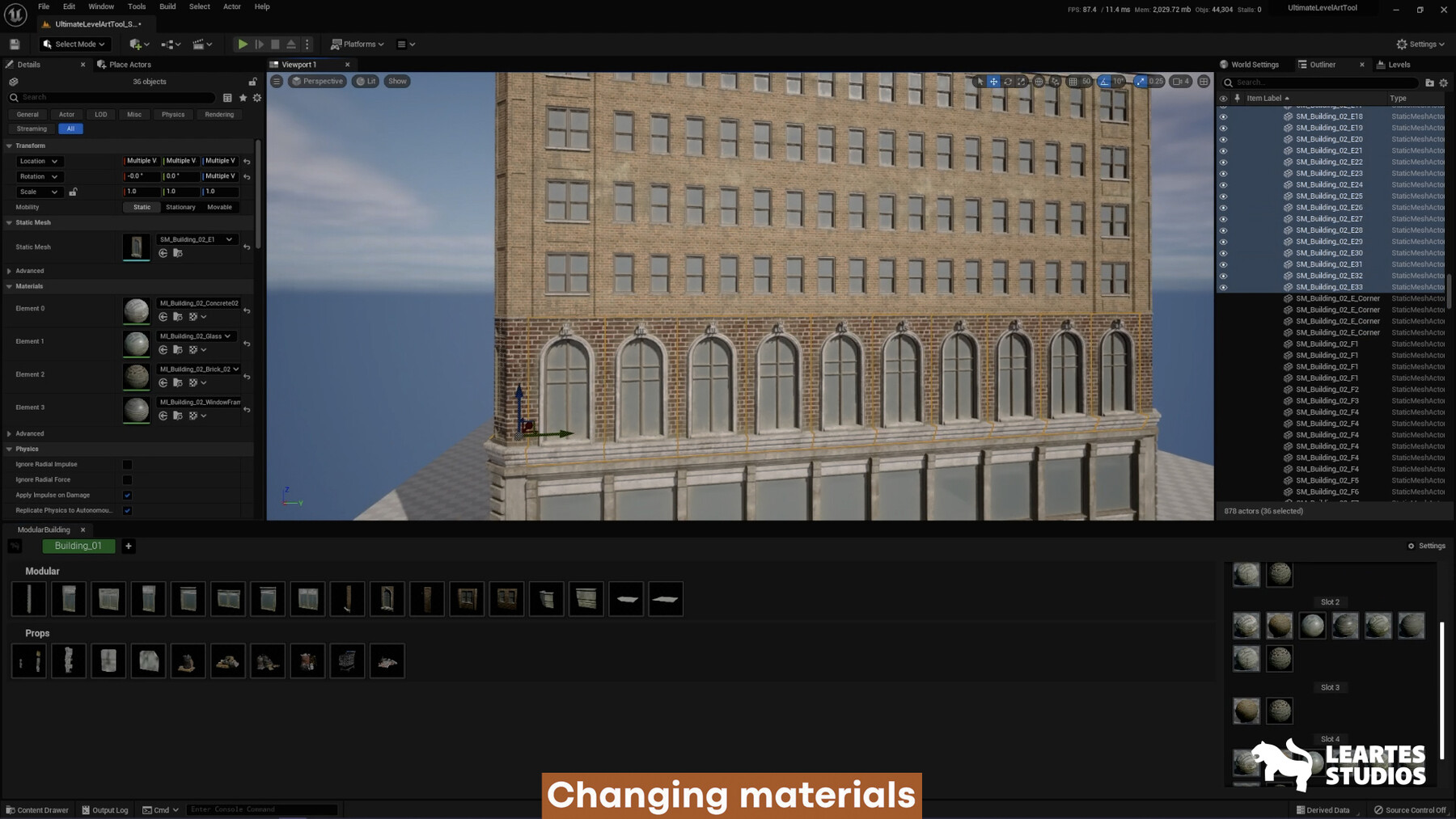
One-click material assign to the collection
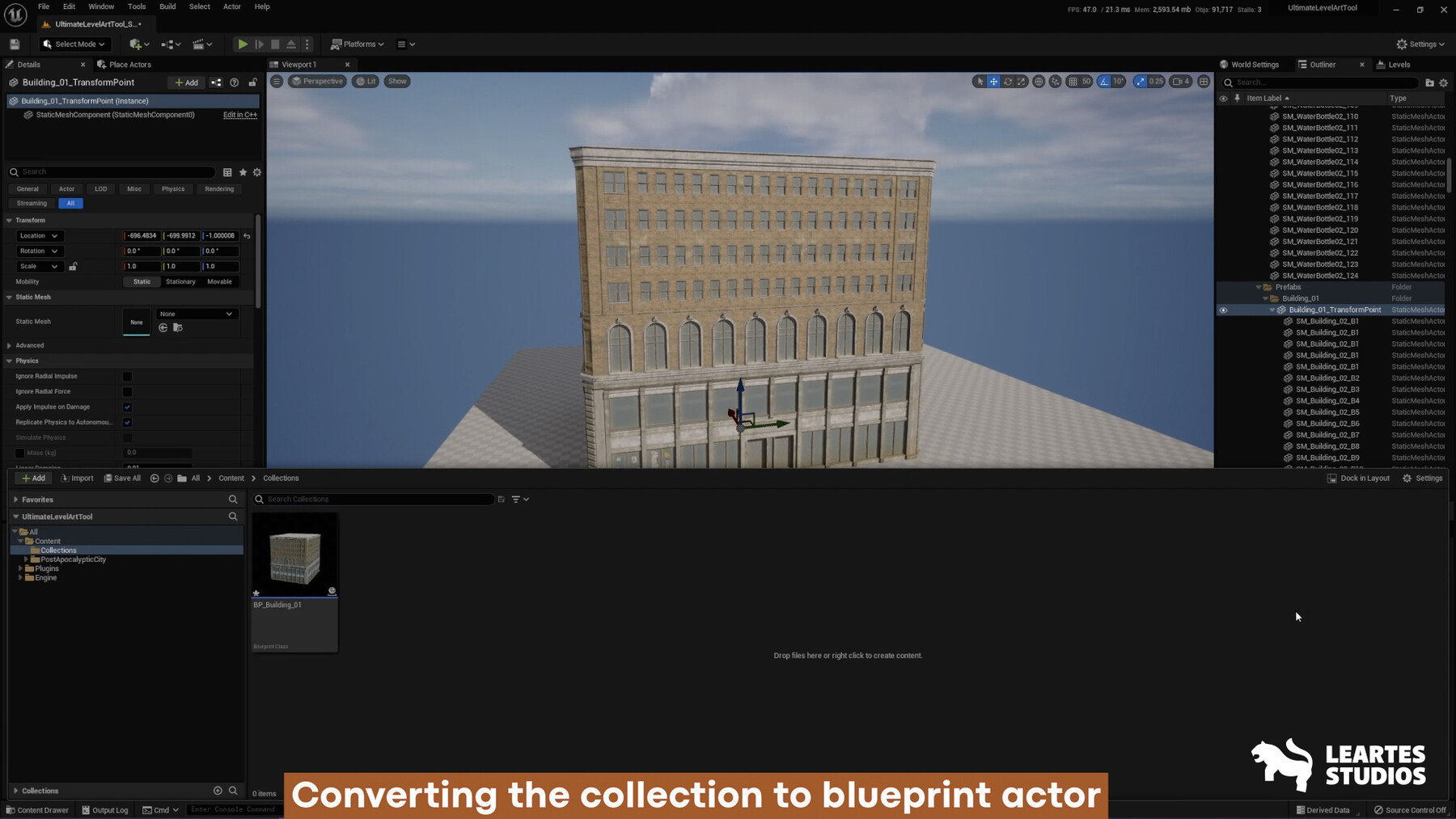
One-click create blueprint from the collection
One-click Prop Duplication
Place multiple modular meshes simultaneously
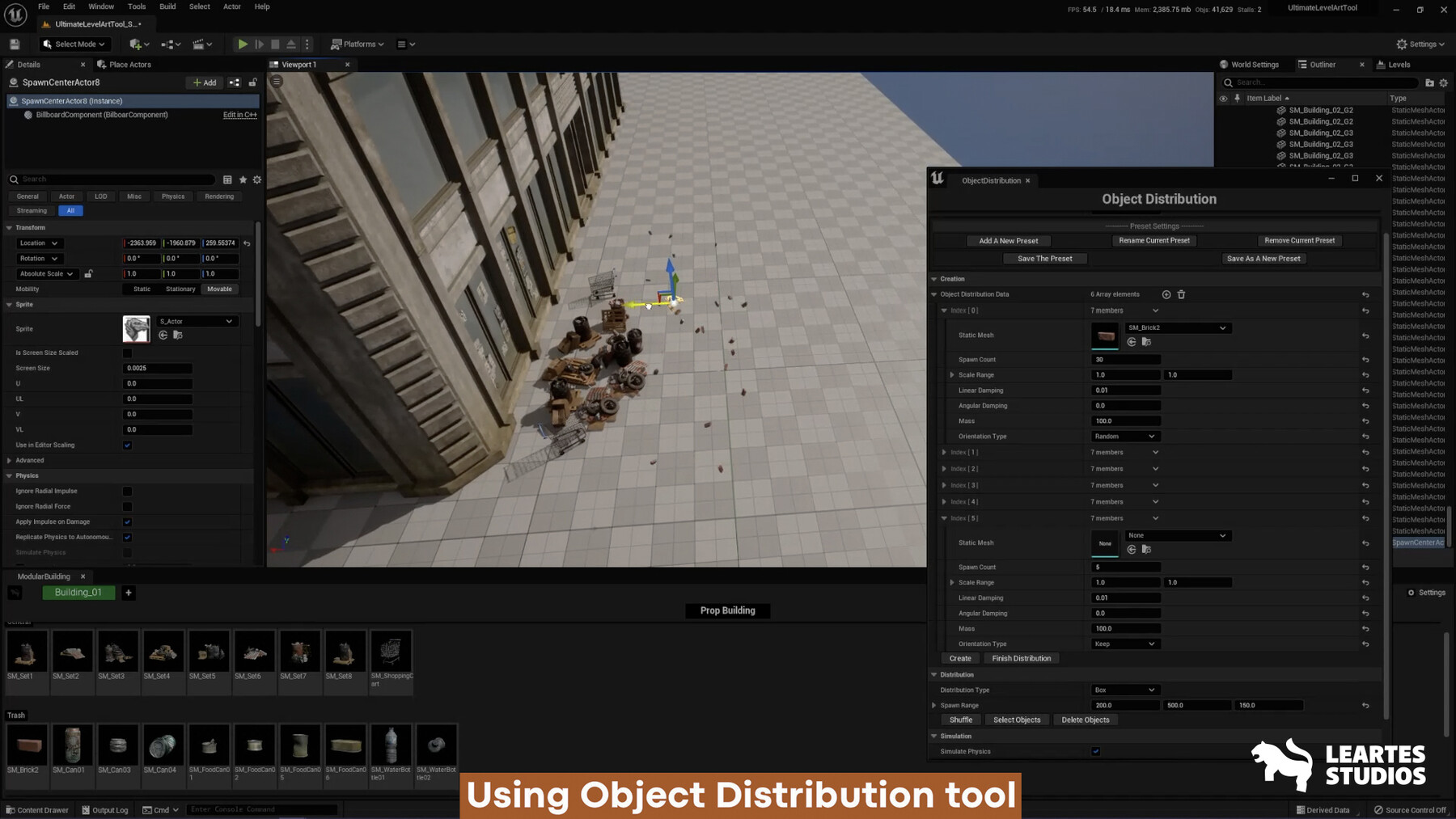
Create a realistic simulated mesh groups
Important note: Editor Scripting Utilities needs to be enabled.
Technical Details
Features
Quick access to the tool interface with a custom tool menu
Quick workspace setup with drag-and-drop static mesh assets
The customizable window for personal uses
Multiple modular placements simultaneously
Separate categories for modular and prop placement
Multiple material assignments for equivalent static mesh actors
Flexibility to work on multiple structures simultaneously with the collection feature
No custom class dependencies can be removed from the project at any time
Code Modules UltimateLevelArtTool (Editor)
Number Of C++ Classes 48
Number of Blueprints 19
Network Replicated No
Supported Development Platforms Win64
Supported Target Build Platforms Win64