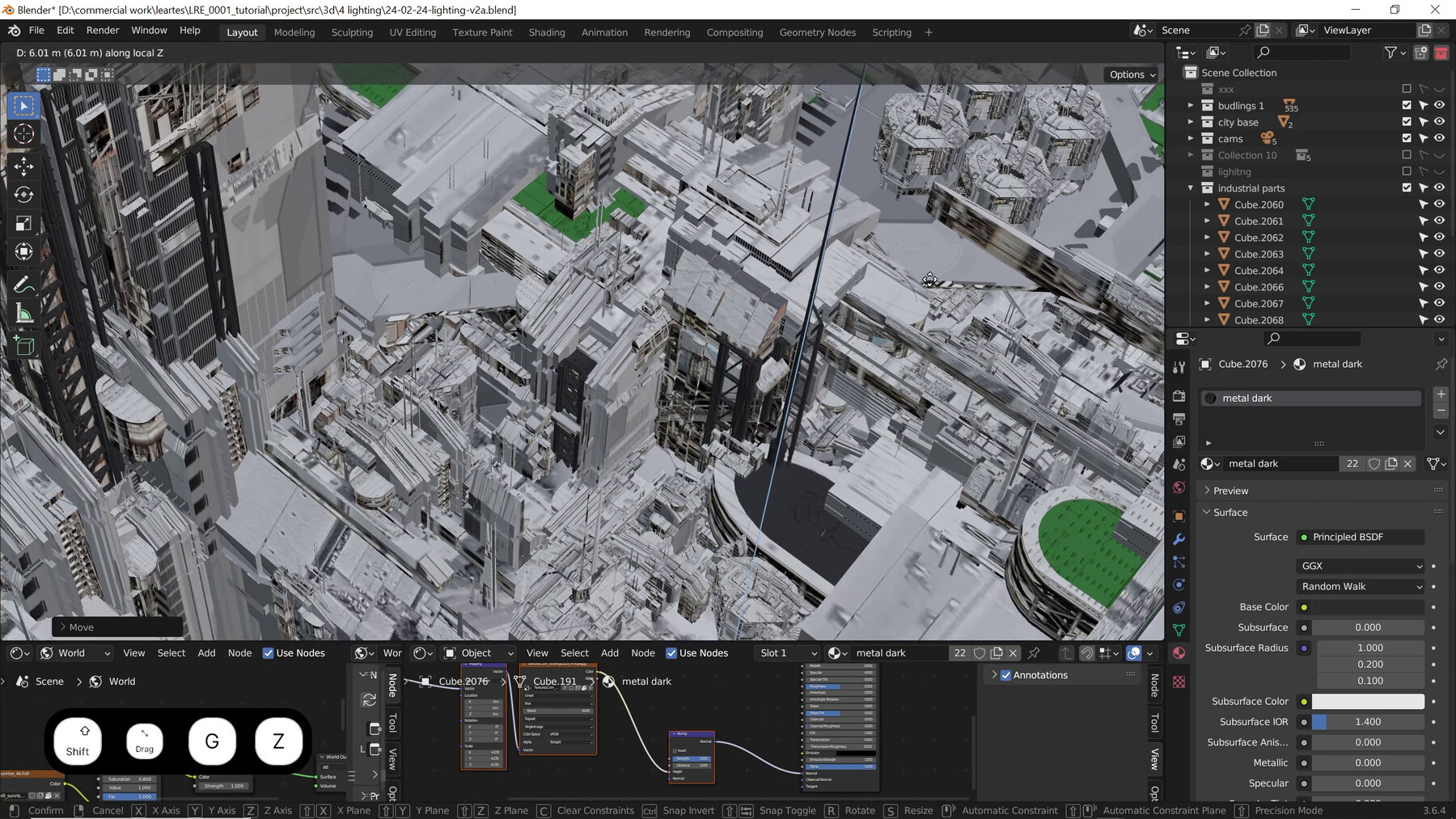
Developing an Industrial Concept in Blender and Photoshop

Step into the world of concept design as you embark on a journey to craft a high tech industrial city in Blender and Photoshop. Our Udemy course is your ticket to getting familiar with concept art, Blender and Photoshop

Led by an industry professional, Josef Sury, this course is tailored for both beginners and slightly experienced artists. You’ll start by gaining a solid foundation in the principles of concept art, learning how to execute your vision with precision.

Throughout the course, you’ll engage in a practical project, TechForge Megapolis, designed to sharpen your skills and deepen your understanding of the creative process. By the end, you’ll emerge with a portfolio-worthy concept art, ready to showcase your talent and impress potential employers.

Key topics include:

  • Understanding the principles of concept art and conceptual city design

  • Navigating Blender and Photoshop’s toolsets and features

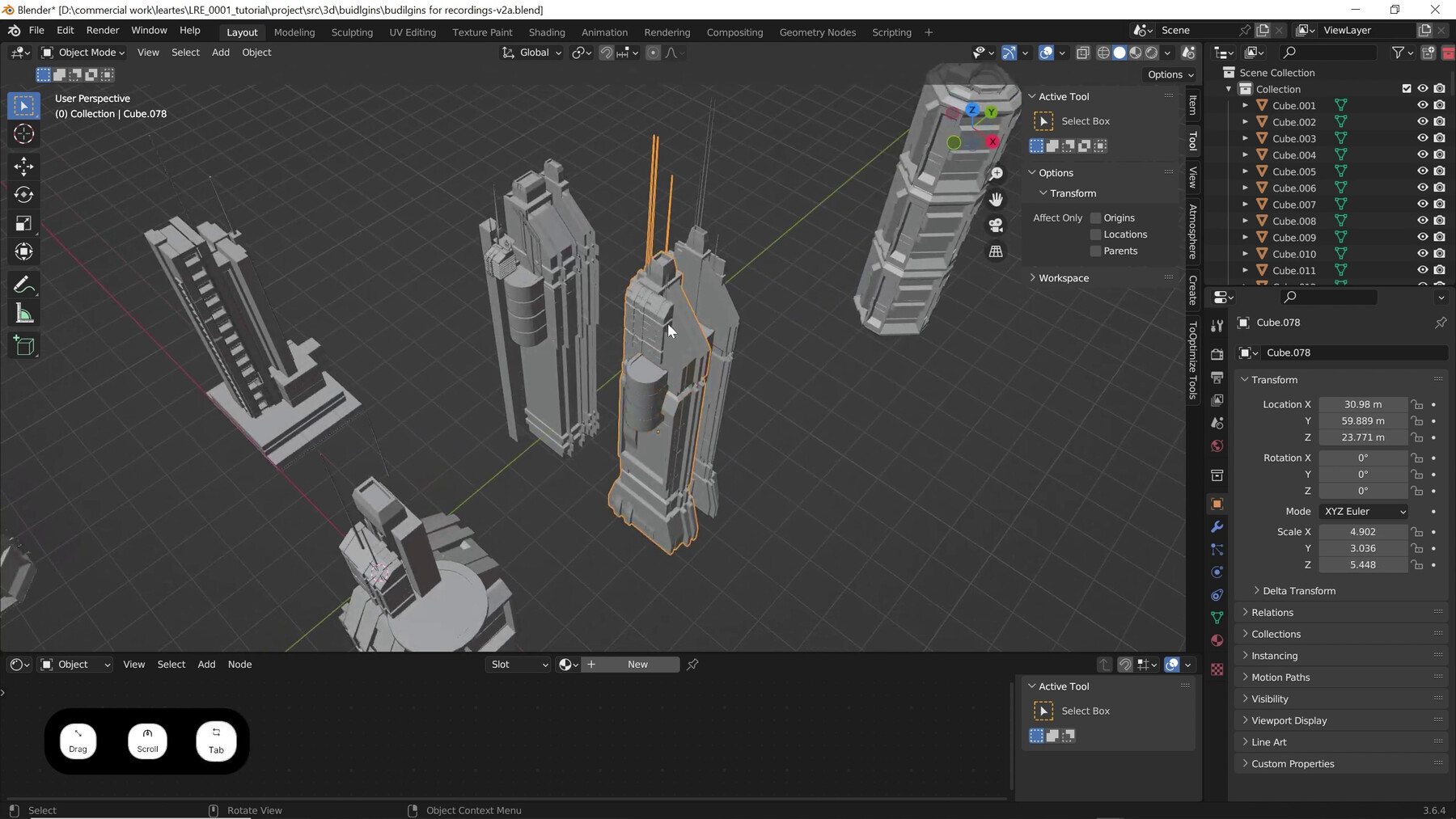
  • Adding and modifying materials in Blender

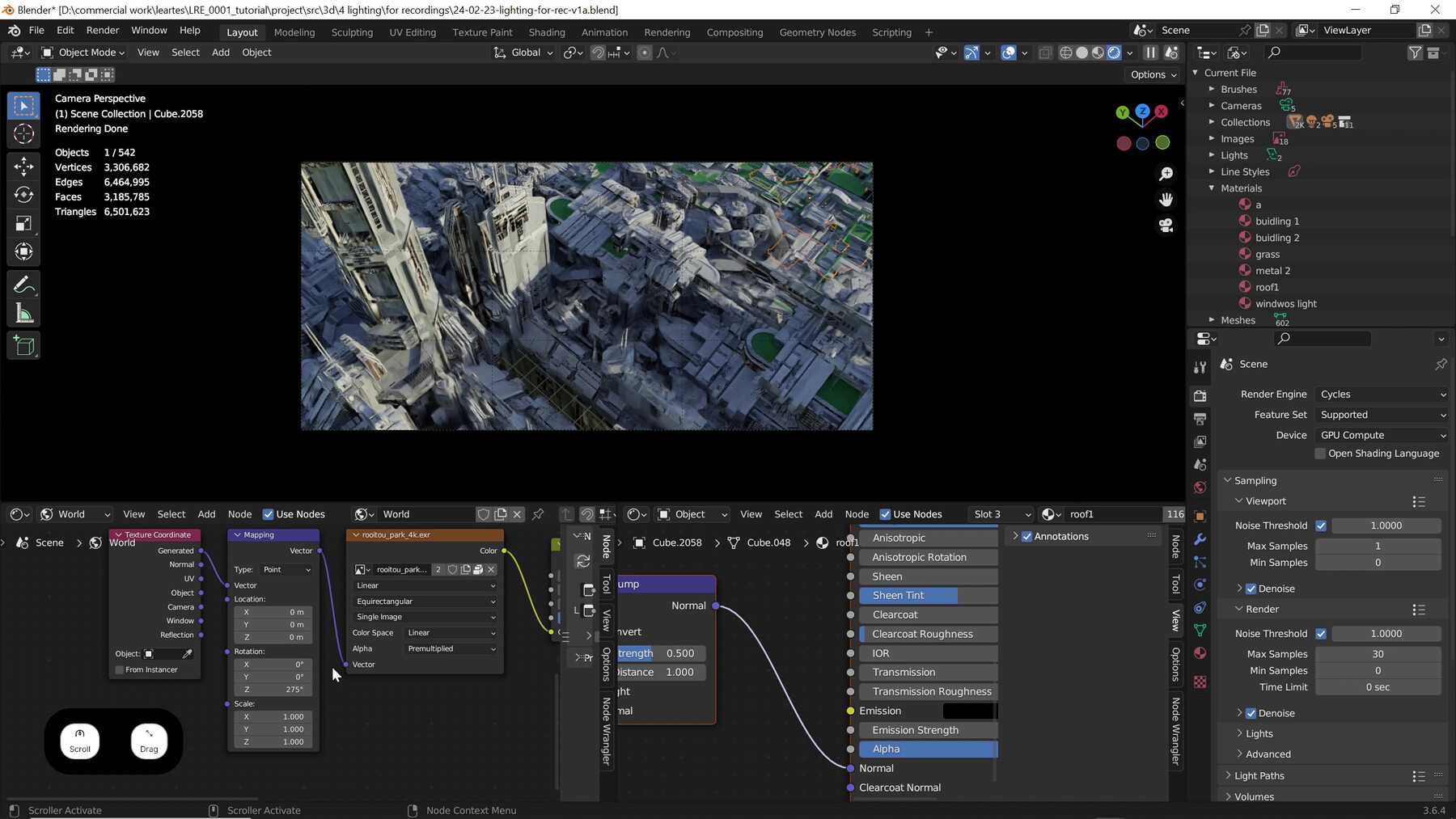
  • Implementing lighting and atmospheric effects to enhance realism on concept art

  • Incorporating storytelling elements to create an immersive experience

  • Taking cinematic renders with the help Eevee render engine

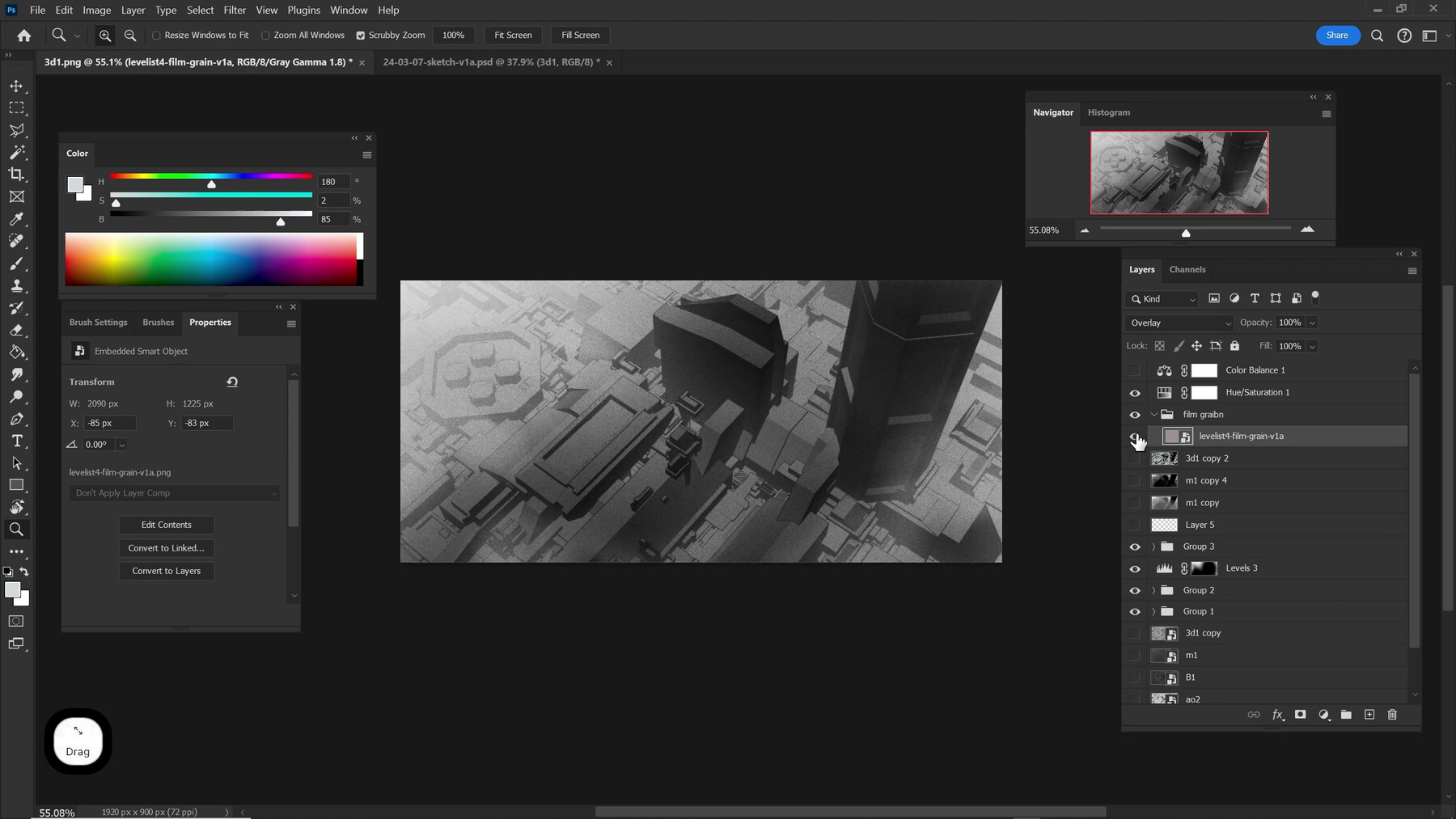
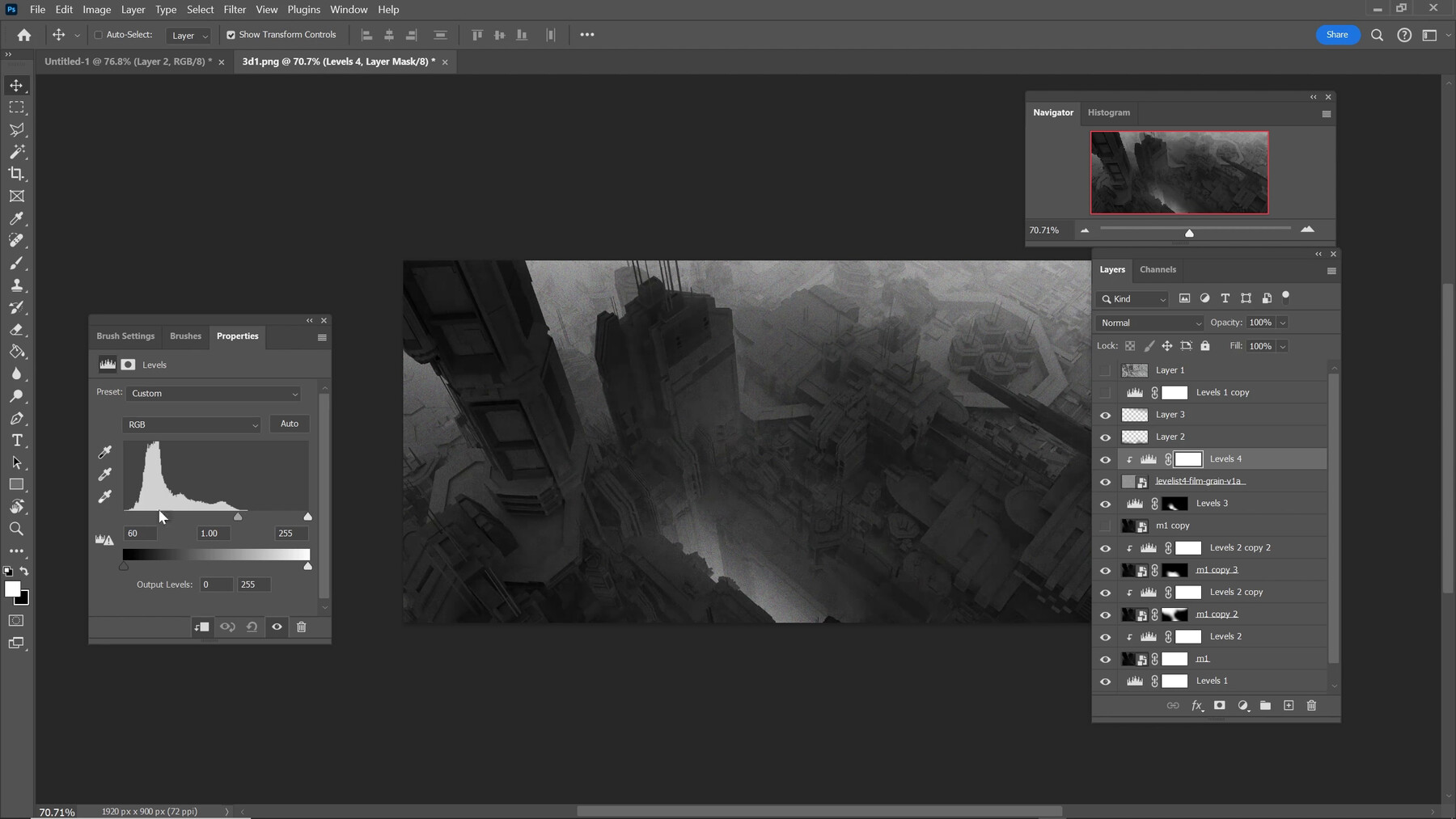
  • Overpainting on a base image in Photoshop

Whether you’re an enthusiast looking to break into the gaming industry or a professional seeking to refine your craft, this course offers invaluable insights and practical skills to elevate your concept art knowledge.

Standard Use License
$25
License: Standard License
Stock Assets

For personal use and one commercial project (up to 2,000 sales or 20,000 views).

Tutorials

One copy to be used by a single user.

Installable Tools

One installation by a single user.

Learn More
Files (35)
1.0-intro
mp4 /
19 MB
1.1-brief-research
mp4 /
250 MB
1.2-warm-up-blender-tools
mp4 /
510 MB
1.3-blocking-city-base
mp4 /
1.2 GB
1.4-rough-sketch-blockout-part1
mp4 /
560 MB
1.4-rough-sketch-blockout-part2
mp4 /
1.7 GB
1.5-conclusion-homework
mp4 /
9.9 MB
2,0-intro
mp4 /
28 MB
2,11 Creation of Buildings Part 1
mp4 /
1.6 GB
2,12 Creation of Buildings Part 2
mp4 /
2 GB
2,20 Origin Settings
mp4 /
300 MB
2,30 Material Separation
mp4 /
1.1 GB
2,40 City Distribution
mp4 /
920 MB
2,50 Composition Locking
mp4 /
250 MB
2,60 Adding City Base
mp4 /
1.1 GB
2,81 Composition Refinement Part 1
mp4 /
1.8 GB
2,82 Composition Refinement Part 2
mp4 /
500 MB
2,91 Render Passes
mp4 /
76 MB
2,92 Quick Overpainting
mp4 /
140 MB
2,93 Conclusion and Homework
mp4 /
27 MB
3,00 Introduction
mp4 /
5.7 MB
3,10 Texturing
mp4 /
660 MB
3,20 Lighting
mp4 /
260 MB
3,30 Atmosphere
mp4 /
470 MB
3,41 Tweaking the Details Part 1
mp4 /
820 MB
3,42 Tweaking the Details Part 2
mp4 /
3.5 GB
3,50 Conclusion and Homework
mp4 /
14 MB
4,00 Introduction
mp4 /
9.6 MB
4,10 Render Settings
mp4 /
630 MB
4,21 Final Presentation Part 1
mp4 /
590 MB
4,22 Final Presentation Part 2
mp4 /
2.6 GB
4,31 Self Feedback and Polishing Part 1
mp4 /
860 MB
4,32 Self Feedback and Polishing Part 2
mp4 /
3.6 GB
4,33 Conclusion and Homework
mp4 /
23 MB
5,2 Outro
mp4 /
20 MB